Why Go Smart? The Benefits of Home Automation
Smart home technology has gone from expensive luxury to everyday convenience. You can start automating lights, controlling devices with your voice, and monitoring your home from anywhere. Here's why millions of people are making the switch:
Key Benefits
- Save energy and money — Smart plugs and thermostats cut wasted electricity by scheduling devices to turn off when not needed
- Peace of mind — Check on your home from anywhere with smart cameras and video doorbells
- Hands-free convenience — Control lights, music, timers, and more with just your voice
- Easy to start small — You don't need to automate everything at once; one smart plug is a perfect first step
- Works with what you have — Most smart devices connect to your existing Wi-Fi, no hub required
Smart Speakers — Your Home's Command Center
A smart speaker is the most popular starting point for home automation. It lets you control other devices with your voice, play music, set timers, check the weather, and much more. Amazon's Echo lineup is the most popular choice because of its huge compatibility with third-party smart devices.
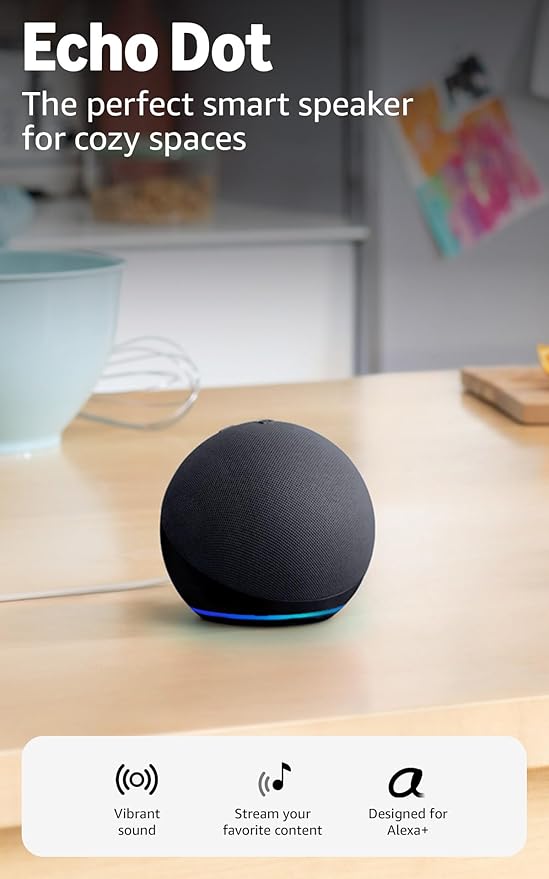
Amazon Echo Dot (5th Gen)
The Echo Dot is the best entry point into smart home automation. It's compact, sounds surprisingly good for its size, and gives you full access to Alexa — Amazon's voice assistant. You can ask it to turn lights on and off, play music, set cooking timers, control smart plugs, and thousands of other skills.
It's small enough to fit on a nightstand or kitchen counter, and it connects to your Wi-Fi in minutes. If you're buying just one smart device to start, this is the one.
Amazon Echo Show 5 (3rd Gen)
If you want a smart speaker with a screen, the Echo Show 5 is a great choice. The 5.5-inch display shows weather forecasts, recipes, video feeds from your smart cameras, and video calls. It's especially useful in the kitchen — you can follow along with recipe steps visually while cooking.
The built-in camera can also double as a home monitoring feed when you're away.
Smart Plugs — The Easiest First Step
Smart plugs are the most affordable way to start automating your home. You plug one into a regular wall outlet, then plug any device into it — a lamp, a fan, a coffee maker — and control it from your phone or with your voice.
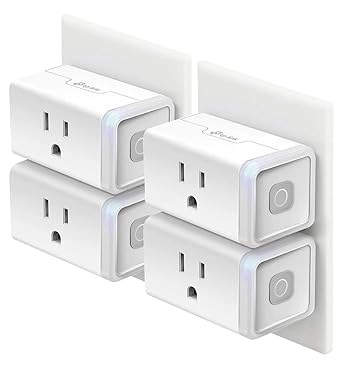
TP-Link Kasa Smart Plug Mini (4-Pack)
These smart plugs from TP-Link are consistently rated among the best for beginners. They connect directly to your Wi-Fi (no hub needed), and the free Kasa app lets you set schedules, timers, and even monitor energy usage.
The 4-pack gives you enough plugs to automate several rooms. Set your coffee maker to start at 7 AM, turn off the living room lamp at bedtime, or make it look like someone's home while you're on vacation.
Home Security — Monitor from Anywhere
Smart security devices have made home monitoring affordable and simple. A video doorbell or indoor camera lets you see who's at your door or check on your home from your phone — no expensive subscription or professional installation required.
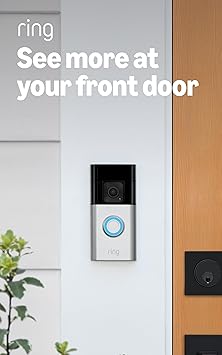
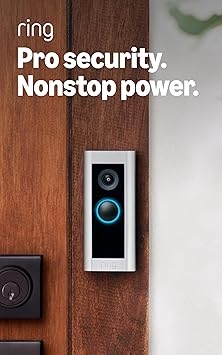
Ring Video Doorbell (2nd Gen)
The Ring Video Doorbell is one of the most popular smart home devices for good reason. It replaces or sits alongside your existing doorbell and sends your phone a notification whenever someone approaches your door. You can see, hear, and speak to visitors through the Ring app, whether you're home or away.
It works with Alexa, so you can see the doorbell camera feed on an Echo Show or Fire TV. The motion detection zones are customizable, so you won't get alerts every time a car drives by.
Wyze Cam v3 Indoor/Outdoor Camera
The Wyze Cam is a budget-friendly security camera that punches well above its weight. It records in full 1080p, has color night vision, and works both indoors and outdoors (it's weather-resistant). The free tier gives you 14 days of rolling cloud storage for short clips.
Use it as a baby monitor, pet camera, or to keep an eye on your front porch. At its price point, you could buy several and cover your whole home.
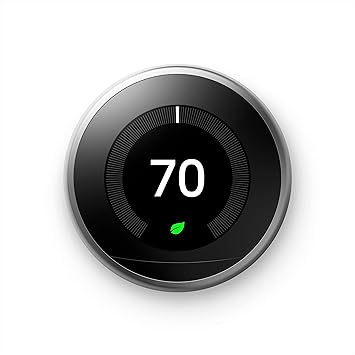
August Wi-Fi Smart Lock (4th Gen)
A smart lock lets you lock and unlock your door from anywhere, grant temporary access to guests, and see a log of who comes and goes. The August lock installs on the inside of your existing deadbolt — your outside door hardware stays the same, and you can still use your regular key.
It connects directly to Wi-Fi (no extra hub), works with Alexa and Google Assistant, and can auto-lock when you leave and auto-unlock when you arrive home.
Smart Lighting — Set the Mood
Smart lighting is one of the most noticeable upgrades you can make. Dim the lights for movie night, brighten them for reading, or schedule them to turn on at sunset — all from your phone or voice.
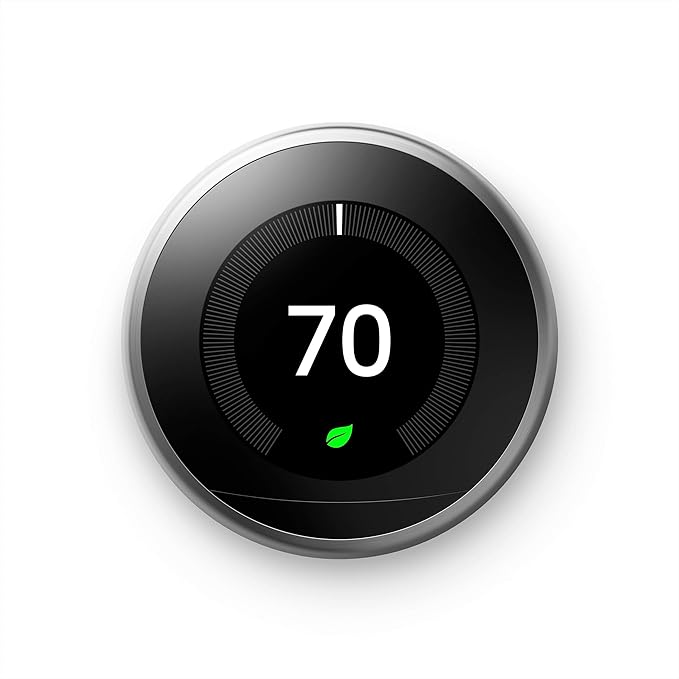
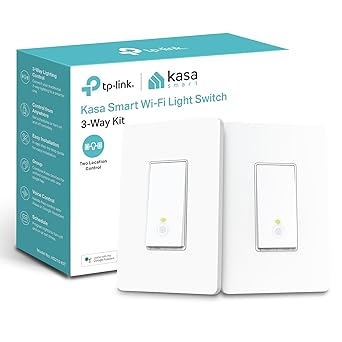
Philips Hue White A19 Starter Kit
Philips Hue is the gold standard in smart lighting. The starter kit includes two smart bulbs and a Hue Bridge (the hub that controls them). The Hue app lets you set schedules, dimming levels, and routines — like gradually brightening your bedroom lights in the morning instead of a jarring alarm.
Hue bulbs last for years, use very little energy, and integrate with Alexa, Google Assistant, and Apple HomeKit. The starter kit is your entry point; you can add more bulbs over time.
Kasa Smart Light Switch HS200
If you don't want to replace every bulb, a smart light switch is the alternative. It replaces your existing wall switch and makes any fixture controlled by that switch "smart." The Kasa HS200 connects to your Wi-Fi and works with Alexa and Google Assistant.
This is a better option than smart bulbs for rooms with multiple bulbs on one switch — one smart switch controls them all.
Your Smart Home Setup — Step by Step
Don't try to automate everything at once. Here's the recommended order for building your smart home on a budget:
- 1Start with a smart speaker. The Echo Dot gives you a voice assistant to control everything else you add later.
- 2Add smart plugs. Automate lamps, fans, and appliances you already own. Instant convenience.
- 3Upgrade your lighting. Smart bulbs or a smart switch make the biggest visual difference.
- 4Add a security camera or doorbell. Monitor your home from anywhere.
- 5Consider a smart lock. Keyless entry and remote access for family and guests.
Blog Posts
- Complete Guide to Smart Lighting: Bulbs, Switches, and Strips
- Home Security on a Budget: Camera and Doorbell Setup Guide
- Smart Home Energy Savings — Cut your utility bill with smart automation
- Beginner's Guide to Smart Home Setup
- Smart Routines and Automations
- Smart Thermostats: Save Money and Stay Comfortable
- Smart Video Doorbell: Complete Setup & Buying Guide
- Smart Home for Beginners: What to Buy First